
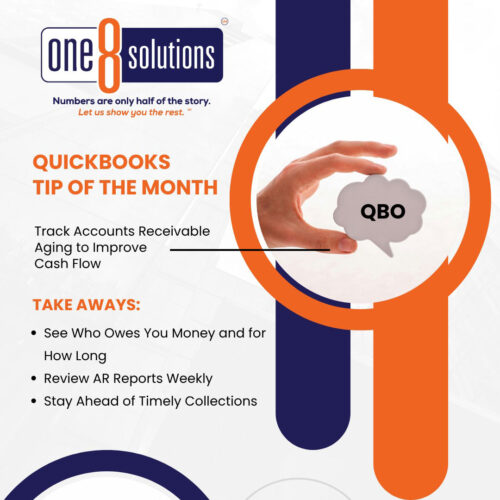
 QuickBooks Tip of the Month: Track AR Aging to Improve Cash Flow
Late payments hurt cash flow. QuickBooks Online’s Accounts Receivable Aging report shows who owes you and how long it’s been outstanding so you can follow up faster.
How to Run the Report:
- Go to Reports → Who Owes You.
- Select AR Aging Summary or Detail.
- Adjust filters and aging periods as needed.
- Save the report and review it weekly.
Tip:
For more actionable insights, break aging into smaller time buckets. Change the aging period to 7 days or use a 13-period (3-month) view to spot issues earlier. Sort the report in descending order to see your largest outstanding balances first—this helps you focus on the AR that matters most.
Once you identify problem invoices, automate invoice reminders when they hit the 30-day mark to keep follow-ups consistent and cash flowing.
Stay ahead of collections and keep cash moving! One 8 Solutions is here for that. Schedule a conversation today!
