
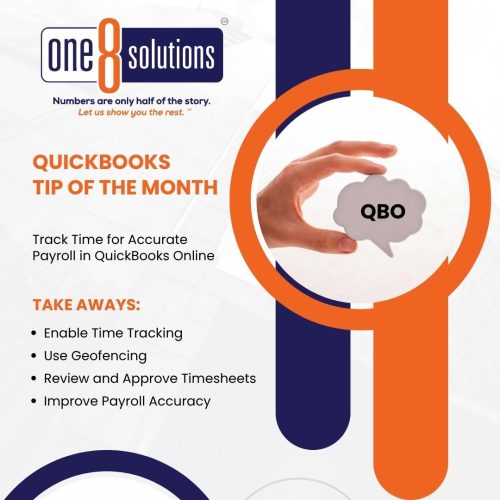
 QuickBooks Tip of the Month: Time Tracking
Payroll errors start with bad time data. Integrating time tracking and geofencing improves accuracy and accountability.
How to Set It Up:
- Enable Time Tracking in QBO.
- Set preferences for fields like customer, class, and service.
- Invite users as Track Time Only.
- Set up geofencing (QuickBooks Time Elite).
- Review and approve timesheets before payroll.
Tip:
Use reports like Time by Worker or Unbilled Time to monitor labor costs and productivity.
Better time tracking = better payroll accuracy. One 8 Solutions is here for that. Schedule a conversation today!
