
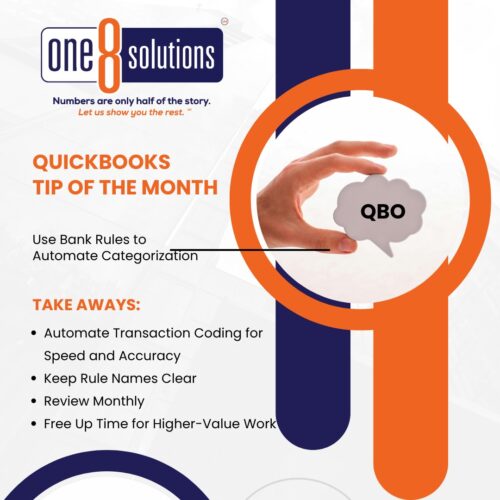
 QuickBooks Tip of the Month: Use Bank Rules to Automate Categorization
Stop wasting time manually coding transactions. Bank Rules in QuickBooks Online let you set up automation so your transactions are categorized consistently and accurately saving you hours each month.
How to Create a Bank Rule:
- Go to Banking → Rules.
- Click New Rule and give it a clear name.
- Choose Money In or Money Out and select your bank or credit card account.
- Add up to five conditions (e.g., “Description contains Staples”).
- Set the Category, Payee, and optional Class or Location.
- Click Save, then drag rules up or down to set priority order.
Best Practice:
Keep rule names descriptive (e.g., “Office Supplies – Staples”). Review monthly and disable or delete unused rules.
Ready to work smarter, not harder? Schedule a meeting today!
